






WhatsApp Authentication in 2026: Phone Numbers Remain Central, but Sign-In Options Are Expanding
As of June 2026, WhatsApp still differs from most social media platforms because it does not use the traditional “username and password” combination. A mobile phone number remains the primary account identifier, although the authentication system is gradually becoming more flexible and more closely integrated with smartphone security features.
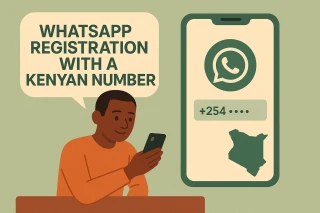
Registration with a Phone Number
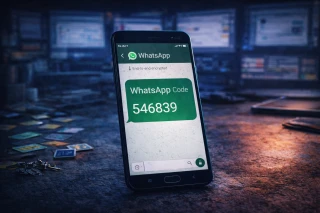
To create an account or transfer an existing one, users must provide an active phone number. WhatsApp verifies it using a six-digit code delivered by SMS or through an automated voice call. On compatible devices, verification may be completed automatically, without the user having to enter the code manually.
At the same time, each WhatsApp account can be registered to only one primary phone number. A second number cannot be added to the same profile and requires a separate account.
Passkeys as an Alternative to Repeated SMS Codes
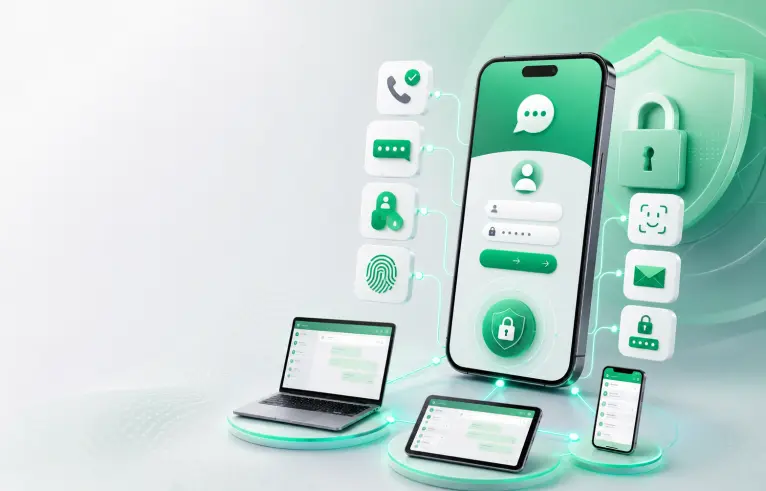
One of the most important changes in recent years has been the introduction of passkeys. Once configured, a passkey connects WhatsApp authentication to the device’s built-in security system. Users can confirm their identity with a fingerprint, facial recognition, or the device screen-lock code.
This method is more convenient than SMS verification and provides stronger protection against phishing because the secret key does not need to be entered on third-party websites. However, a passkey does not turn WhatsApp into a service with a conventional password. The phone number remains the foundation of the account, while passkey availability depends on the device and app version.
What Email Addresses and PINs Are Used For
Users can add an email address in WhatsApp settings, but it does not replace the phone number or function as an independent login. Email serves as an additional account recovery channel and can be used to reset the two-step verification PIN.
Two-step verification uses a six-digit PIN that WhatsApp may request periodically or when the phone number is registered again. This PIN should not be confused with the code sent by SMS. A registration code is generated for a specific sign-in attempt, while the PIN is created in advance by the account owner.
Signing In on Computers, Tablets, and Secondary Smartphones
WhatsApp allows users to connect up to four additional devices to their primary phone. These can include computers running WhatsApp Web or Desktop, tablets, iPads, and other smartphones. Devices can be linked by scanning a QR code or by using a phone number and a special pairing code.
Once connected, linked devices can receive messages independently, so the primary smartphone does not need to remain online at all times. However, it must be used at least once every 14 days, or the additional sessions may be disconnected.
In March 2026, WhatsApp also strengthened the security of the device-linking process. The app began displaying warnings when a request to connect a new device appeared suspicious. The update is intended to combat scams in which criminals persuade users to scan an unfamiliar QR code or disclose a pairing code.
Two Accounts on One Phone
By June 2026, switching between two WhatsApp accounts was available not only on Android but also on iPhone. Each account requires its own phone number, such as a second SIM card or eSIM. Notification and privacy settings can be configured separately for each profile.
At the same time, the integration of WhatsApp with Meta’s Accounts Center does not mean that users can sign in through Facebook or Instagram. WhatsApp authentication and passkeys continue to be managed within the messenger itself.
Overall, modern WhatsApp authentication is built around three elements: a verified phone number, a trusted device, and additional security measures. The most reliable setup combines a passkey or app lock, enabled two-step verification, a confirmed email address, and regular checks of the linked-device list.